
 DA
DAThe video CMS for learning at scale
Home Video solution – Panopto Video CMS & add-ons Video CMS

The video CMS built for learning at scale
Every recording your organisation makes ends up somewhere. The question a video CMS answers is whether that "somewhere" is a searchable, governed library, or a growing pile of files on a shared drive that nobody can find their way back into. Panopto is the CMS layer that keeps a video library usable as it grows into thousands of hours.
Viducon is the official Panopto partner in Denmark. We handle implementation, support and workshops in Danish for your organisation, from the first demo through to daily use.
Record, edit and share without a production team
Screen capture, webcam, lecture capture and remote sessions are all handled through the same recorder, whether someone is using a desktop app or a browser. Recordings land in a built-in editor for trimming, chapters and captions, so a finished video doesn't need to leave the platform to get published.

AI that makes the library searchable, not just storable
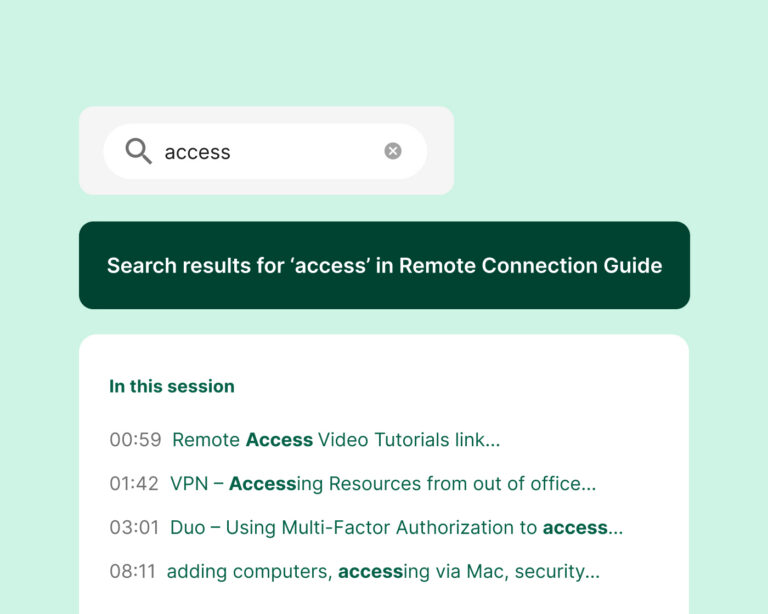
Captions, chapters and a table of contents are generated automatically as recordings are added, and both spoken words and on-screen text get indexed down to the timestamp. A library that would otherwise take hours to browse becomes something people can search their way through in seconds.
Built to be usable by everyone, not just the average viewer
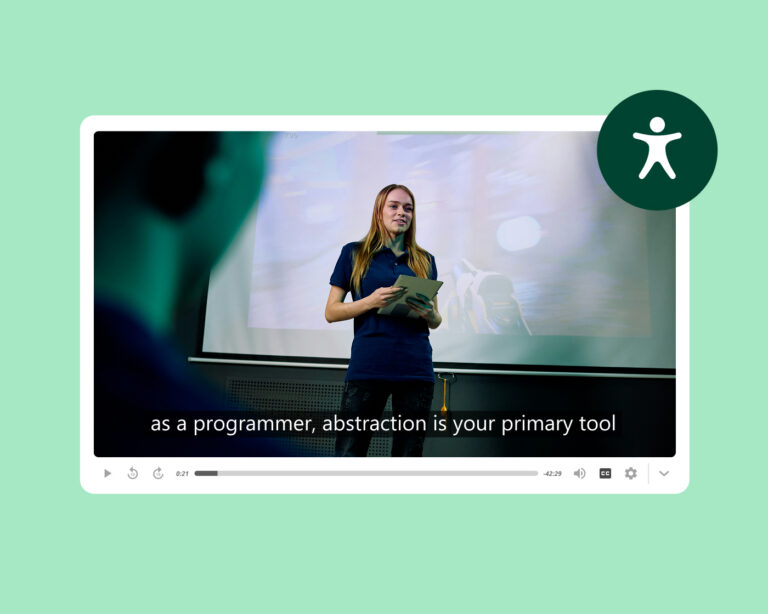
Automatic captions, keyboard-accessible controls and screen reader support are part of the platform, not an extra step someone has to remember. That matters most at scale, when a library has grown too large for anyone to manually check that every video meets the same bar.

Fits into the systems your teams already use
Panopto connects to the LMS, conferencing and collaboration tools your organisation runs on, so video sits inside the workflows people already have rather than becoming a separate destination they have to remember to visit.
See how the library is actually being used
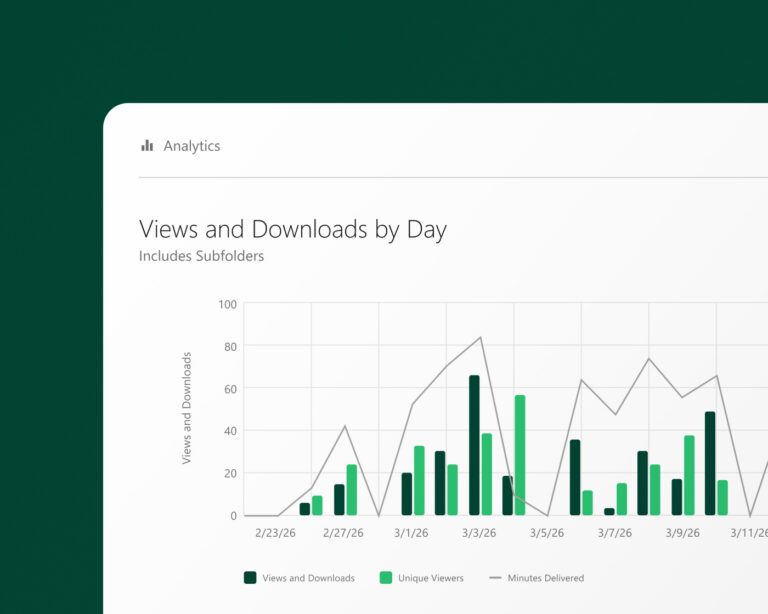
Viewing data, completion rates and quiz results across the organisation give instructors, L&D teams and administrators a way to see what's working and what's being ignored, instead of publishing content and hoping it lands.
All the capabilities, one platform
Everything above runs on the same core CMS, not as separate add-on modules bolted together afterwards.
Connects to the tools you already run
From sign-in to publishing, Panopto plugs into the LMS, conferencing and collaboration platforms your organisation already depends on.







Extend it with add-ons

AI Video Studio
Turn a script, a PDF or a presentation into a finished video in minutes.

Access AI
Search across your entire video library in plain language and jump straight to the answer.
Knowledge Insights
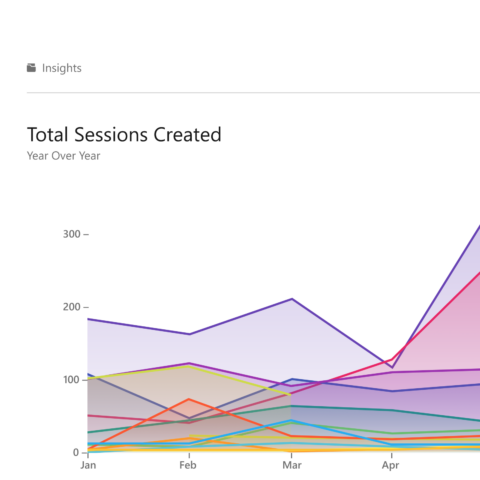
Turn viewing data into decisions that improve learning outcomes.
Frequently asked questions
What is a video CMS, and why does an organisation need one?
A video CMS is a platform for recording, organising, managing and distributing video across an organisation. It goes beyond plain video hosting by adding search, access control, workflow integration and analytics on top of the content it holds.
Organisations tend to reach for one once video becomes central to how they train staff, deliver instruction or share institutional knowledge — at that point, files scattered across shared drives and conferencing tools become hard to find and expensive to manage as the library grows.
How is Panopto different from a general video hosting platform?
General hosting platforms are built for publishing and viewer reach. Panopto is built for learning and knowledge management specifically — every word spoken and every piece of on-screen text is indexed, so a library becomes searchable rather than just watchable, and access, versioning and reporting are built around how universities and enterprise L&D teams actually operate.
How does Panopto handle security for a large organisation?
Video is encrypted both in transit and at rest, access to folders and individual videos can be set by role or group, and single sign-on via SAML keeps authentication tied to the identity system you already use. Read more about Panopto's security.
What can Panopto integrate with?
Panopto connects to LMS platforms including Canvas, Moodle and D2L Brightspace, and to conferencing and collaboration tools including Microsoft Teams and Zoom, so recordings from those tools land automatically in a governed, searchable library. Read more about Panopto's integrations.
Can existing video content be migrated into Panopto?
Yes. Existing libraries can be brought across from other platforms, with links and captions carried over or rebuilt as part of the move, so a migration doesn't mean starting a library from zero.
Ready to get started?
See how Panopto's video CMS turns a growing pile of recordings into a library your organisation can actually use.